
Clash RoyaleUpcoming Chests
See your next Clash Royale chests
In Clash Royale, tap your name: the tag starting with # is under it.
Frequently asked questions
How do I check my upcoming chests in Clash Royale?
Enter your player tag above (in Clash Royale tap your name: the tag starting with # is under it). RoyaleDeck shows your next chests in order and how far away each special chest is, straight from the official Clash Royale API.
How many chests until my Legendary chest?
Look it up with your tag: the "+" number next to Legendary Chest is how many chests away it is. It drops by one every time you win a chest.
What does "+23" mean?
It is how many chests away that chest is in your cycle. The next chest is shown first; each chest you win moves every chest one step closer.
What is the chest cycle in Clash Royale?
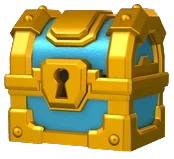
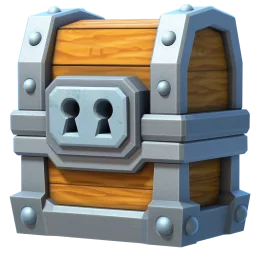
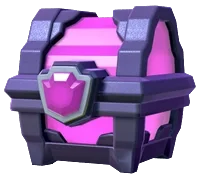
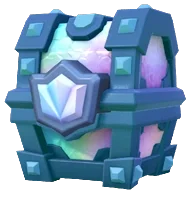
Each account gets chests in a fixed order set by the game. The official API shares the next chests and the position of the special ones (Giant, Magical, Epic, Legendary, Mega Lightning, Royal Wild…), which is what this page shows.
Can I change the order of my chests?
No. The order is set by the game for your account. Checking it only shows what is coming, so you can plan when to open or save chests.
Is it safe to check my chests here?
Yes. Only your public player tag is needed: no login, no password and nothing is changed in your account.